
Browser extensions occupy a uniquely dangerous position in the modern threat landscape. Users grant them sweeping permissions — access to browsing history, page content, network requests — and then largely forget they exist. That implicit trust is precisely what makes the discovery of a hidden script injection capability inside one of Chrome's most popular extensions so alarming.
A Featured Extension With a Hidden Capability
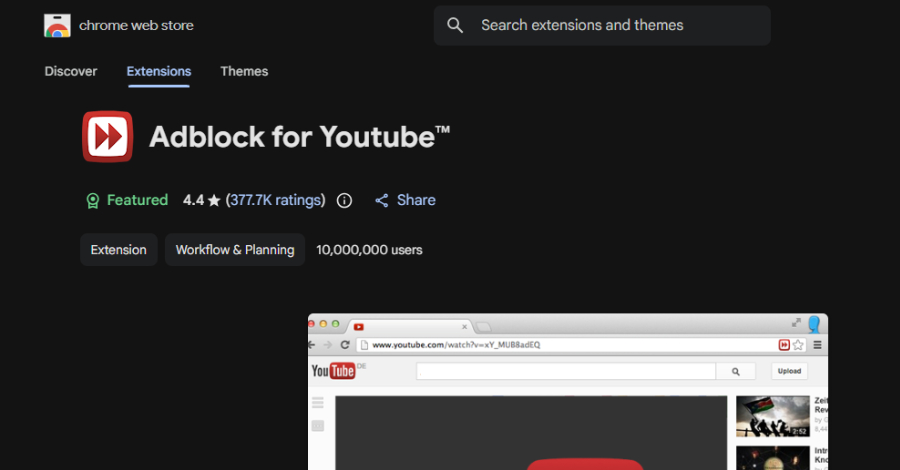
Security researchers analyzing the Chrome Web Store uncovered a significant red flag inside Adblock for YouTube, an extension with more than 10 million active installs. The extension carries Google's "Featured" badge — a designation meant to signal quality and trustworthiness — yet beneath its legitimate ad-blocking functionality lies the capability to fetch and execute arbitrary JavaScript code from a remote source.
This type of architecture is sometimes referred to as a dormant payload mechanism. On the surface, the extension behaves exactly as advertised. But embedded within its codebase is logic that can reach out to an external server and inject whatever script that server returns — without any user awareness or consent.
An extension that can silently execute remote code has effectively handed a third party a master key to every browser session it touches.
Why This Is More Than a Policy Violation
Google's Chrome Web Store policies explicitly prohibit extensions from executing remotely hosted code. This rule exists for a straightforward reason: code reviewed during the extension's approval process is the only code users and Google can evaluate for safety. The moment an extension can pull in and run external scripts, that security boundary collapses entirely.
The practical attack scenarios are numerous and serious:
The "dormant" nature of the capability adds an additional layer of risk. Because the malicious functionality may not activate immediately — or may only trigger under specific conditions — traditional malware scanners and even manual code reviews can miss it entirely. The extension can behave benignly through months of use and any number of security audits, then activate when an attacker chooses.
The Broader Supply Chain Problem
This discovery is not an isolated incident — it is a symptom of a structural vulnerability in how browser extensions are distributed and maintained. The Chrome Web Store hosts hundreds of thousands of extensions, and while Google does conduct automated and manual reviews, the sheer volume makes comprehensive security analysis impractical.
Extensions also change hands. A developer who built a legitimate tool years ago may sell it to a new owner, who then quietly introduces malicious capabilities in a subsequent update. Users who installed the original, clean version receive the updated, compromised version automatically — with no notification and no new permission prompt.
For enterprise security teams, this represents a meaningful blind spot. Most endpoint detection tools do not inspect the behavior of browser extensions with the same rigor applied to executable files or network traffic. Yet in an era where employees conduct enormous amounts of sensitive work inside the browser — accessing cloud applications, communicating over SaaS platforms, handling financial data — the browser has become one of the most consequential attack surfaces in the organization.
What You Should Do
For Individual Users
- Audit your installed extensions immediately. Navigate to
chrome://extensions/and remove any extension you do not actively use or cannot verify the legitimacy of. - Remove Adblock for YouTube (Chrome extension ID: cmedhionkhpnakcndndgjdbohmhepckk) until further clarity emerges on whether the capability has been or could be activated.
- Treat the "Featured" badge as a baseline check, not a security guarantee. Featured status reflects Google's assessment of user experience quality, not necessarily deep security vetting.
- Review extension permissions carefully before installing. An ad blocker that requests access to read and modify data on all websites should prompt scrutiny.
For Security and IT Teams
- Establish a formal browser extension policy. Maintain an approved allowlist and block the installation of unlisted extensions on managed devices.
- Deploy browser security tooling capable of monitoring extension behavior at runtime, not just inspecting static code at installation.
- Treat extensions with remote code execution capabilities as high-severity findings equivalent to vulnerable third-party software libraries.
- Periodically re-review previously approved extensions, particularly after ownership changes or major version updates.
- Consider browser isolation technologies for high-risk workflows involving financial systems, privileged access portals, or sensitive data.
Key Takeaways
A browser extension with 10 million users and an official "Featured" designation has been found to contain the technical capability to silently execute arbitrary remote JavaScript — the digital equivalent of leaving an unlocked door in a vault wall. Whether that capability has been exploited remains an open question, but the risk it represents is concrete and immediate.
The episode underscores a truth that security professionals have long understood but that organizations are still slow to operationalize: the browser is an endpoint, and browser extensions are software that demands the same scrutiny applied to any other code running in your environment. Popularity and platform endorsements are not substitutes for rigorous security review.


